The work has somewhere to live
A finished task is more useful when the artifact it produced does not disappear into the conversation that created it. Grain 1.1.81 introduces a dedicated Documents workspace for finding, opening, and continuing the work your team makes with AI.
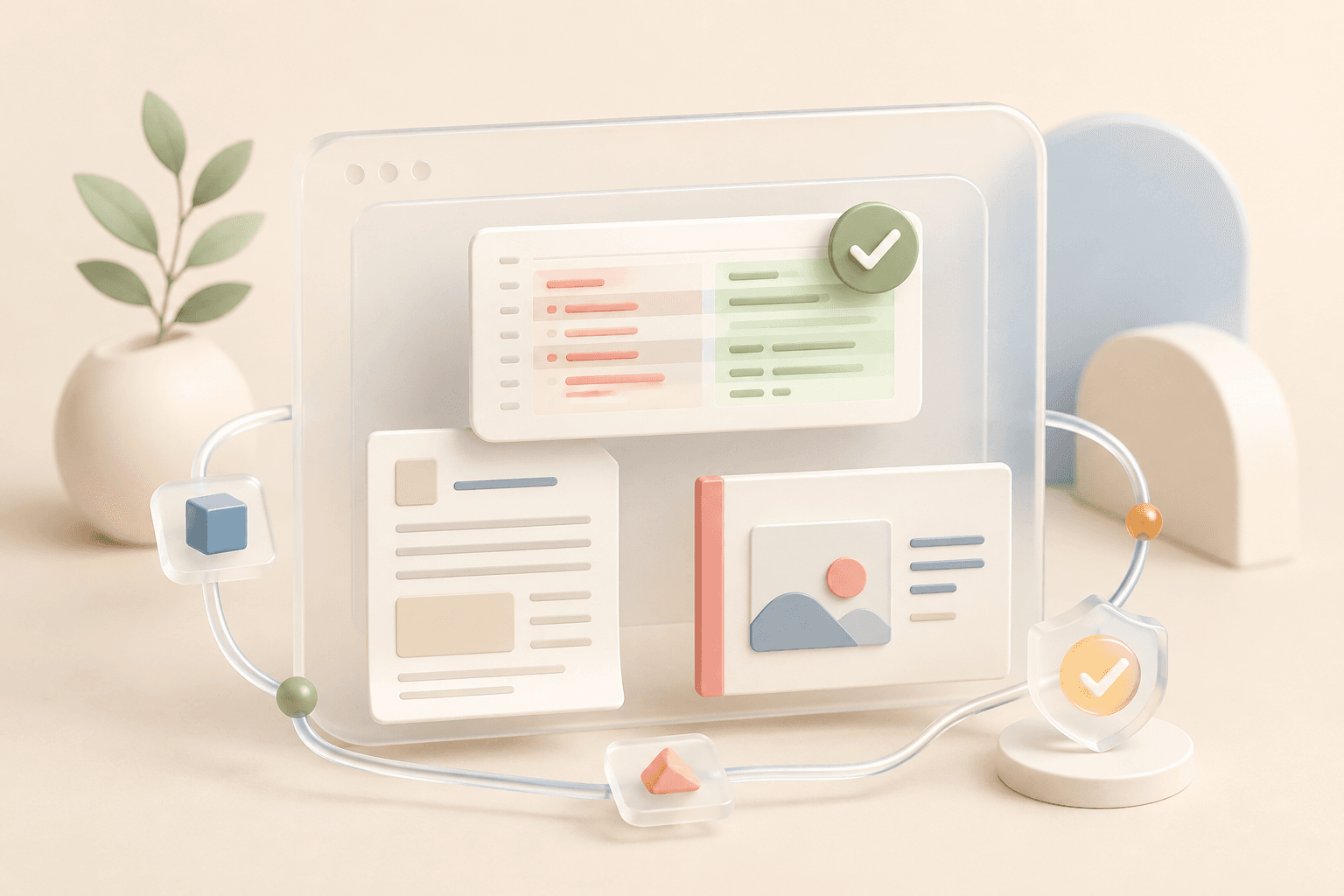
Documents is not a passive file list. Create a doc, sheet, table, or presentation from the same screen, open several items in workspace tabs, and use the chat beside the active document to keep writing. The document and the conversation stay together, so a follow-up can build on the version you are actually looking at.
Four useful starting points
Different work deserves different structure. A narrative brief should not begin as a spreadsheet, and a presentation should not arrive as a wall of prose. The new document menu starts each format with a small, useful scaffold and suggestions that match the kind of artifact you chose.
That makes Documents a practical front door for both quick drafts and longer team work. Start a table for a launch checklist, a sheet for an operating model, a document for a decision, or a presentation for the review that follows.
- Docs for briefs, plans, reports, and written decisions.
- Sheets for structured data and calculations.
- Tables for trackers, lists, and lightweight operating views.
- Presentations for narratives that need to be reviewed slide by slide.
Chat writes into the artifact
The AI pane is aware of the open document and its format. Ask Grain to draft an outline, add rows, tighten a section, or turn source material into a five-slide deck. The result lands in the document instead of stopping at an answer in chat.
Because the document opens in the main workspace tabs, the handoff is immediate: read the result, make a direct edit, then ask for the next change without leaving the context of the work.
A time limit now means pause
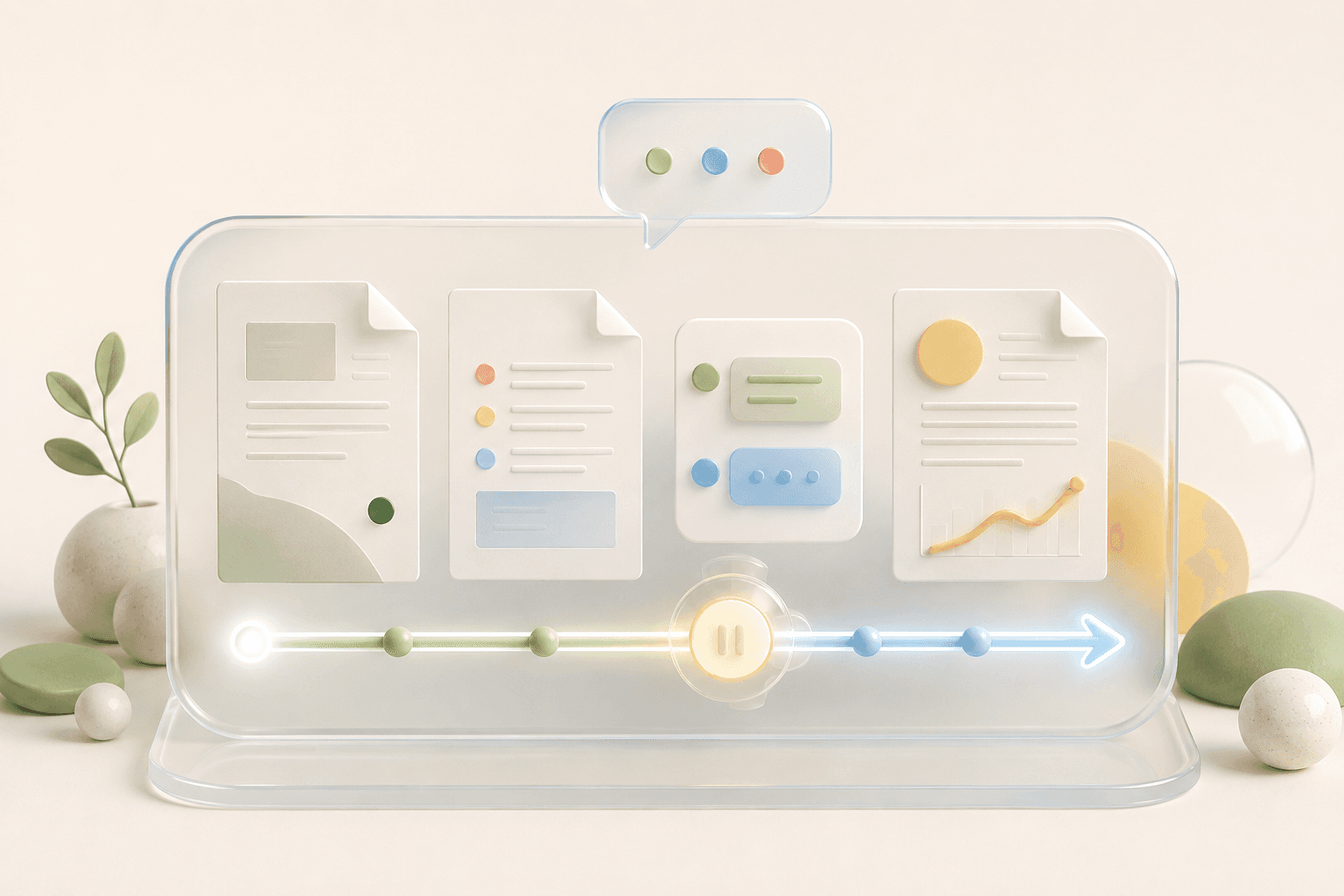
Long-running local tasks also become more durable in 1.1.81. When a run reaches its time window, Grain parks the live CLI session with its isolated branch, working directory, and accumulated progress. The next claim resumes that checkpoint instead of starting the task again from zero.
A parked session can be claimed once and is cleared after a real completion or failure. That protects the work from both duplicate continuation and stale state. The practical change is simple: a sensible execution limit no longer throws away the context that made the run valuable.
Build, review, continue
Together, these updates make Grain feel less like a series of isolated prompts and more like a workspace. The artifact stays visible, the conversation stays attached, and a long task keeps its place when execution pauses.
Update Grain Desktop to 1.1.81, then open Documents from the sidebar to create the next piece of work.